Short answer: you keep the value of an expired domain's old backlinks by checking its history before you buy, rebuilding the content that earned those links, and redirecting old URLs that no longer have a page to the closest relevant new one. A blank homepage with unrelated content usually throws that value away. Nothing here is a ranking promise, because links are one signal among many and results depend on the site and the category.
This guide walks through the process in the order we would work through it: audit, capture, rebuild, redirect, launch and monitor.
Why history matters on an expired domain
When a site goes offline, the links pointing at it do not disappear. Other sites keep linking to pages that now return an error. A buyer who picks up the domain inherits those links, but the value only makes sense if the new site resembles what those links were pointing at.
Search engines compare what a link says with what the destination shows. A link from a regional news article to a roofing guide, landing on a page about online loans, is a mismatch. That is why the rebuild matters as much as the purchase.
Step 1: Audit before you buy
Most mistakes are made here. A domain with a clean look and a decent metric can still carry a past that is hard to recover from.
What to check
- Wayback Machine history: look for the topics the site covered, how long it was active and whether it was ever repurposed for something unrelated.
- Backlink profile: list the referring domains and look at who actually links. Links from real publications and related sites are worth more than a pile of forum or directory links.
- Spam signs: pharmaceutical, casino or adult content in the history, hacked pages, or a sudden jump in low-quality links are reasons to walk away.
- Index status: search the domain name in quotes and check whether it has ever appeared to be removed or penalized.
- Anchor text: an anchor profile that is almost entirely exact-match commercial phrases is a warning sign.
Treat third-party metrics as rough estimates. Every tool crawls differently and none of them show what Google sees. We use DR 30+ as a working target for starter networks, but a lower-metric domain with a clean, relevant history can be a better buy than a higher one with a messy past.
Step 2: Capture the old site
Once you own the domain, record what used to be there before you change anything.
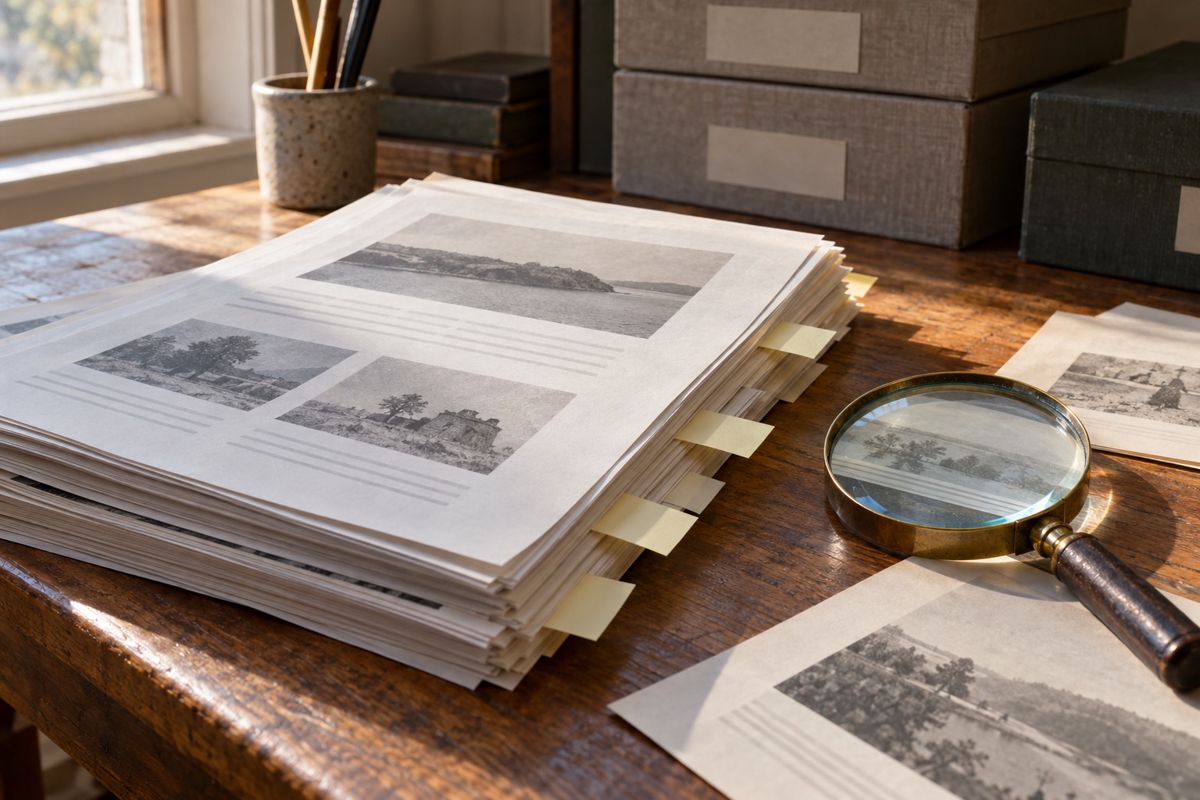
- List the archived URLs from the Wayback Machine, including old category pages, posts and images.
- Match that list against the backlink report, so you know which old URLs actually have links pointing to them.
- Rank those URLs by the number and quality of referring domains.
- Save the archived text and structure of the top URLs as reference material.
The URLs with links are your priority. An archived page that nobody linked to matters much less than one that three real sites referenced.
Step 3: Rebuild the pages that earned the links
Rebuilding does not mean copying old text. Copying archived content can raise duplicate-content and copyright problems, and the old facts are often out of date. Write new pages that cover the same topics at the same URL paths where possible.
Good practice
- Keep the original URL structure for pages that had links, so inbound links land on a live page without a redirect.
- Match the page's original topic and search intent, and write it fresh with current information.
- Rebuild the navigation and site sections in a way that resembles the old layout.
- Add the standard pages a real site has, such as an about page and a contact page.
Our Wayback reconstruction work follows this approach: we recover the structure, write new content for the pages that matter and handle the rest through redirects.
Step 4: Redirect what you do not rebuild
Some old URLs will not be worth rebuilding. For those, use a 301 redirect to the closest relevant page on the new site, not to the homepage by default. A redirect from a page about kitchen remodeling to a page about kitchen remodeling is sensible. A redirect from the same page to an unrelated category is a weak signal, and search engines can treat mass redirects to the homepage as soft errors.
Keep a redirect map as a simple sheet with old URL, new URL and the reason. It makes later audits easy.
Step 5: Launch with a clean setup
Before the site goes live, check the technical basics.
- Host the site on its own IP and account, separate from your other projects.
- Confirm HTTPS, correct canonical tags and a working sitemap.
- Make sure no staging noindex rule is left in place.
- Submit the sitemap in Search Console and check that old URLs resolve as planned.
Publish content gradually instead of all at once. A site that jumps from nothing to forty articles in one day looks different from one that grows over several weeks.
Step 6: Monitor after launch
Check Search Console for crawl errors, indexed pages and any messages from Google. Watch whether the rebuilt pages with inbound links get crawled and indexed. If an important page returns an error or drops out of the index, fix it before adding new content. Plan to review the redirect map every few months, because links to old URLs sometimes appear later.
Where rebuilds go wrong
- Buying on a metric alone and skipping the history check.
- Replacing the old topic with an unrelated one.
- Redirecting every old URL to the homepage.
- Copying archived text word for word.
- Launching with default CMS pages, leftover sample posts or a staging block.
The honest limits
Even a careful rebuild only restores relevance. It does not guarantee that links will pass value, and it does not change Google's spam policies. Using expired domains to link to a money site can fall under link schemes, and sites that do it can lose value or be removed from results. Decide with that risk in view.
If you want us to handle the sourcing, reconstruction and handoff, start with the Wayback reconstruction page, then chat on WhatsApp at +1 (929) 450-3261 with your niche and the domains you are considering.